OpenClaw Image Recognition & Rename
The openclaw-image-edit image focuses on image content understanding. It uses an AI vision model to automatically recognize image content and batch rename files, making photo library organization simple and efficient.
Included Skill
qwen-vision-rename — AI Batch Image Renaming
Leverages the Qwen vision model to "understand" each image, then replaces meaningless random filenames with descriptive ones.
Core Capabilities
Recognize a Single Image
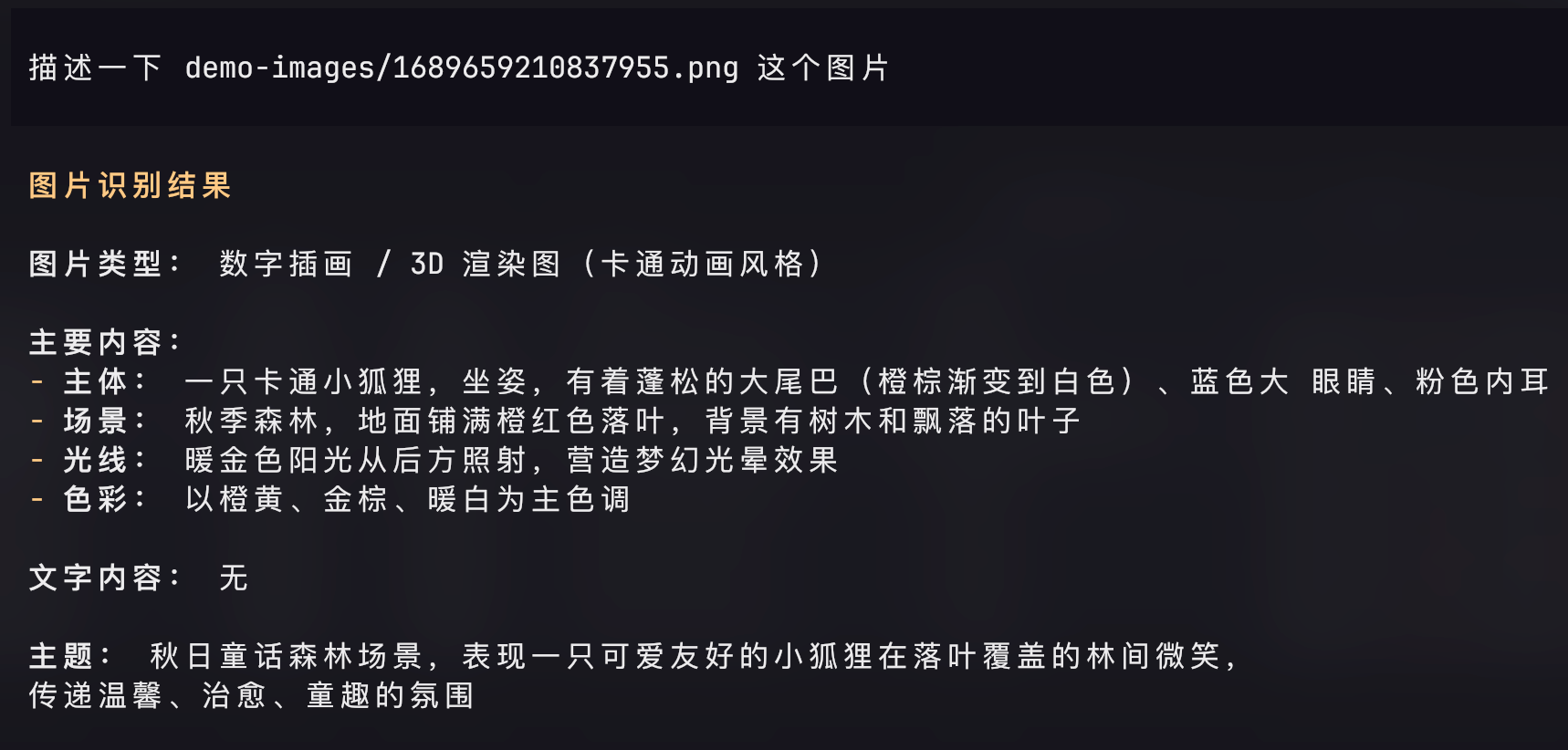
Generates a content description for any image to see what the model "sees", serving as a preview before batch renaming.
Describe this image: /path/to/image.jpgOutput example:
This is a product photography image. The main subject is a white ceramic coffee cup on a wooden table with soft lighting.
Batch Rename (Dry Run Preview)
Scans an entire directory and outputs a "planned rename list" without actually modifying files, letting you confirm the results before execution.
Perform a dry run preview on ~/Downloads/photosOutput example:
IMG_4521.jpg  ->  Product Photography - White Ceramic Coffee Cup.jpg
IMG_4522.jpg  ->  Landscape Photography - Sunset Beach.jpg
IMG_4523.png  ->  Screenshot - Code Editor Dark Theme.png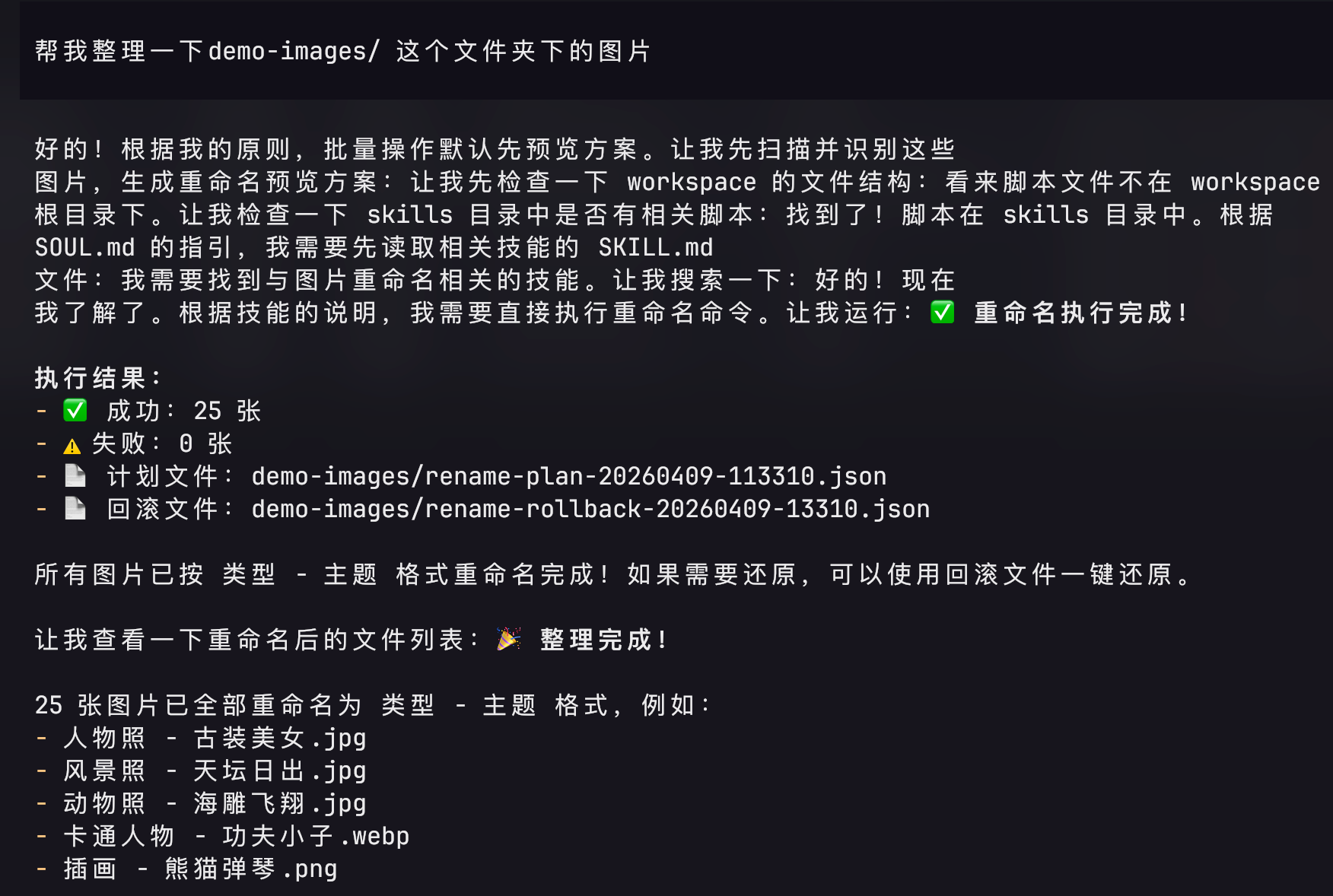
Apply Rename
After confirming the preview, execute the batch rename in one step.
Apply rename to ~/Downloads/photos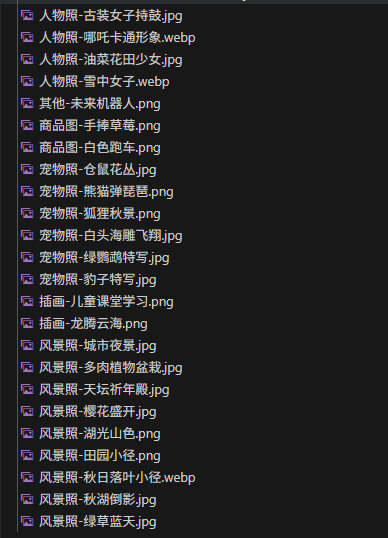
Rollback
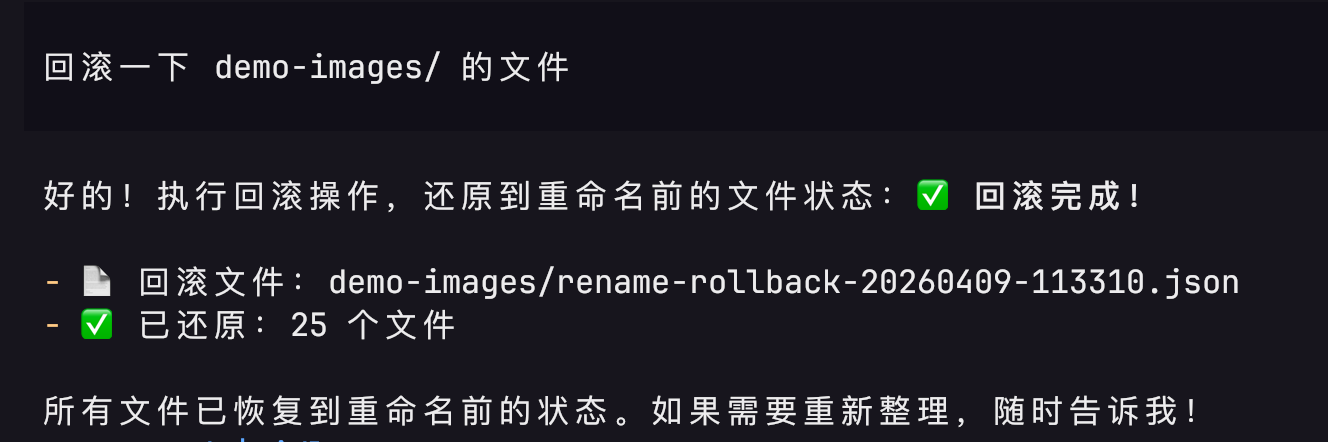
If you are not satisfied with the results, you can undo all renames and restore the original filenames in one step.
Rollback renames in ~/Downloads/photosRollback relies on a JSON record file automatically generated during renaming. As long as this file is not deleted, you can undo at any time.
Naming Convention
The default format is Category - Subject, for example:
| Original Filename | After Rename |
|---|---|
DSC_0042.jpg | Portrait - Girl in Outdoor Sunlight.jpg |
screenshot_001.png | Screenshot - macOS System Preferences.png |
IMG_20240315.jpg | Food Photography - Braised Pork Rice Bowl.jpg |
photo.jpg | Architecture - Modern Glass Curtain Wall Office Building.jpg |
Supported Image Formats
JPG / JPEG / PNG / WEBP / BMP / GIF
Use Cases
Organize accumulated screenshots and photos in the Downloads folder
Batch archive photos imported from a camera
Automatic classification and naming for design asset libraries
Pre-processing and labeling for scraped image datasets