OpenClaw Image Generation
The openclaw-image-generate image focuses on AI image creation. Powered by the Qwen image model, it supports text-to-image generation, image editing, and multi-image fusion.
Included Skill
qwen-image — AI Image Generation & Editing
Calls the Alibaba Cloud DashScope Image API to turn your ideas into images or apply stylistic edits to existing pictures.
Core Capabilities
Text-to-Image (text2img)
Describe the scene you want in natural language, and the AI automatically generates the corresponding image.
Example commands:
Generate an image: a cyberpunk cityscape at night with neon lights reflecting on rain-soaked streetsSupported control parameters:
Image size (square, landscape, portrait)
Number of images (generate multiple options at once)
Visual style (realistic, illustration, oil painting, watercolor, etc.)
Reference image (optional, to guide composition and style)
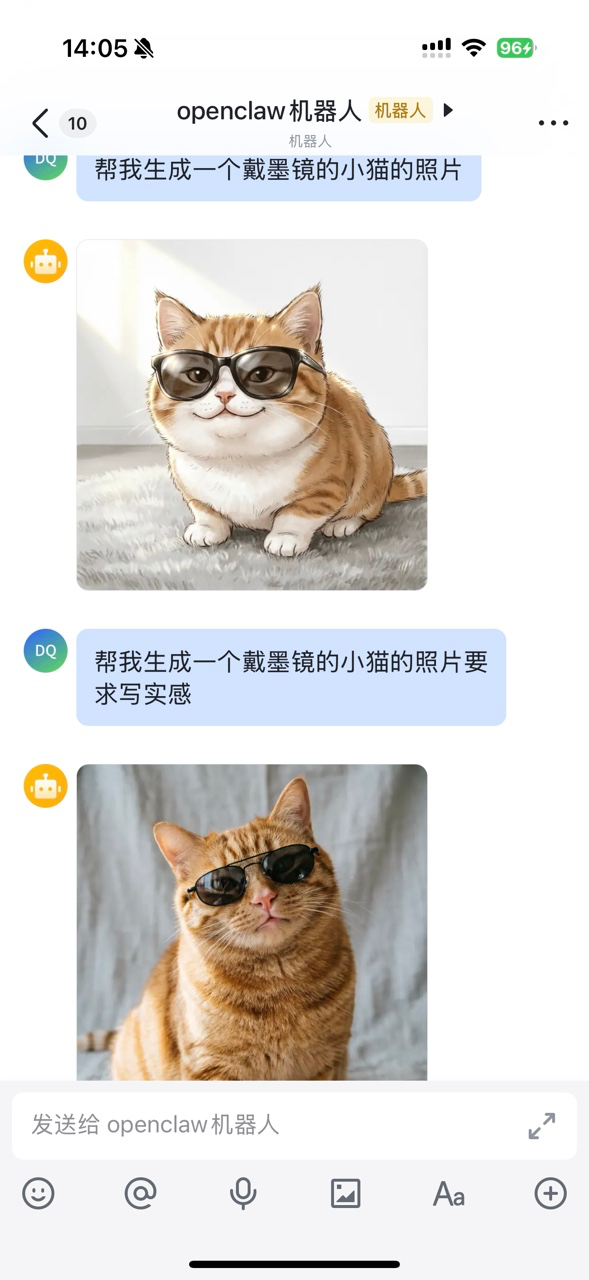
Image Editing (img2img)
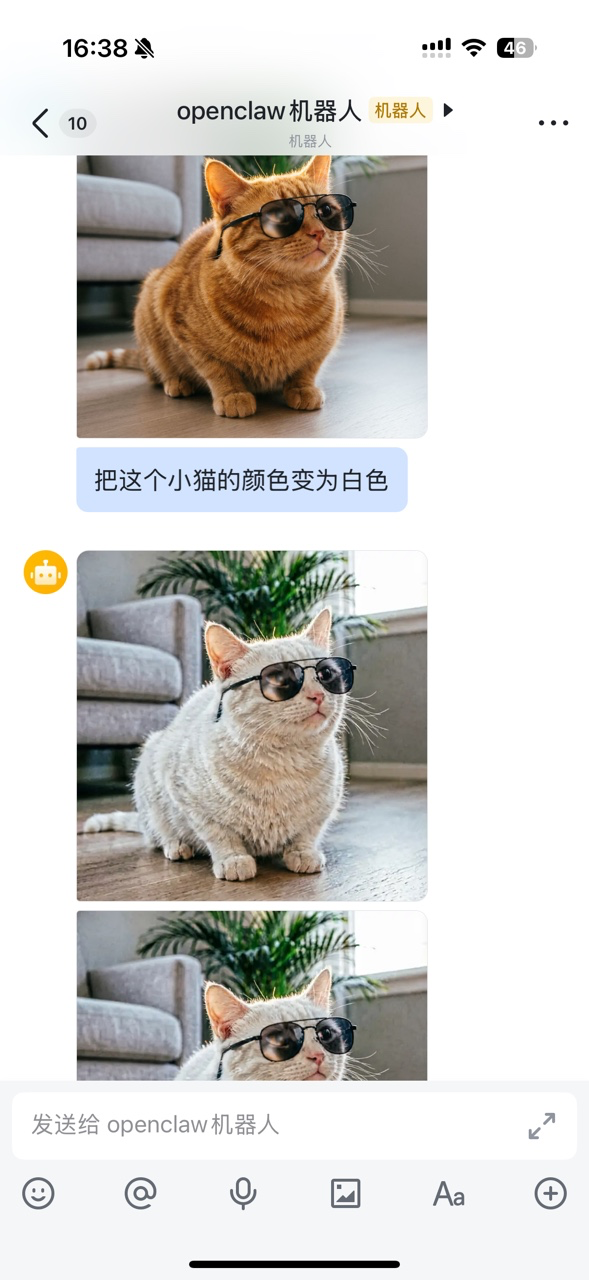
Use an existing image as a base and apply partial modifications or full style transformations via text descriptions.
Example commands:
Replace the background of this product photo with a clean white gradient
Convert this photo to Japanese anime style
Add a soft morning light effect to this portrait
Supported edit types:
Background replacement and blurring
Style transfer (realistic -> illustration / anime / oil painting)
Lighting and color tone adjustment
Local content modification
Multi-Image Fusion
Provide multiple reference images and let the AI blend elements or styles from them to create a new image.
Example commands:
Blend the styles of these two images: the composition from the first + the color tone from the secondAvailable Models
| Model | Features | Use Cases |
|---|---|---|
qwen-image-2.0-pro | Quality-first, richer details | Professional creation, product showcase |
qwen-image-2.0 | Speed-first, fast generation | Quick idea validation, batch generation |
Output
Generated images are automatically saved to the specified directory with timestamped filenames to avoid overwriting.
Use Cases
Quickly create illustrations for articles and presentations
Product concept design prototypes
Social media content creation (covers, illustrations)
Design inspiration exploration and visual comparison
Style unification (convert multiple photos to the same style)